


5 Tips for Beautiful Family Portraits with iPhone | SF Peninsula


If you’ve been trying to take more natural family portraits with iPhone, you’re not alone. Most parents are not looking for perfection. They just want photos that feel like their family.
I’m Ellen, a San Francisco Peninsula family photographer. I create relaxed, personality-filled sessions so you can be in the frame with your family, just as you are.
The good news is you don’t need a professional camera to capture meaningful moments. With a few simple shifts, your everyday photos can feel connected, calm, and beautiful.
Quick Start: 3 Easy Wins
The 10-Second Fix: Wipe your lens. Pocket smudges soften your images more than you think.
The Lighting Secret: Face a window, not away from it.
The Angle: Get down to your child’s eye level
Want to be in the photo instead of taking it?
If you’d rather be in the moment than behind the camera, you can explore my Bay Area family photography sessions and see how simple the experience can feel.
1. Mastering Light for Family Portraits with iPhone
Light will always matter more than your camera.
Whether you are at home or exploring the San Francisco Peninsula, light determines how your photo feels.
To create beautiful family portraits with iPhone, avoid harsh midday sun. Instead, look for open shade or shoot during golden hour just before sunset.
If you are indoors, turn off lamps and overhead lights. Stand close to a window and let soft natural light fall across your faces.
For location ideas with beautiful, flattering light, you can explore my Bay Area Photography Locations: Best SF Peninsula Spots.
Good light is what transforms a simple snapshot into something that feels like your family.
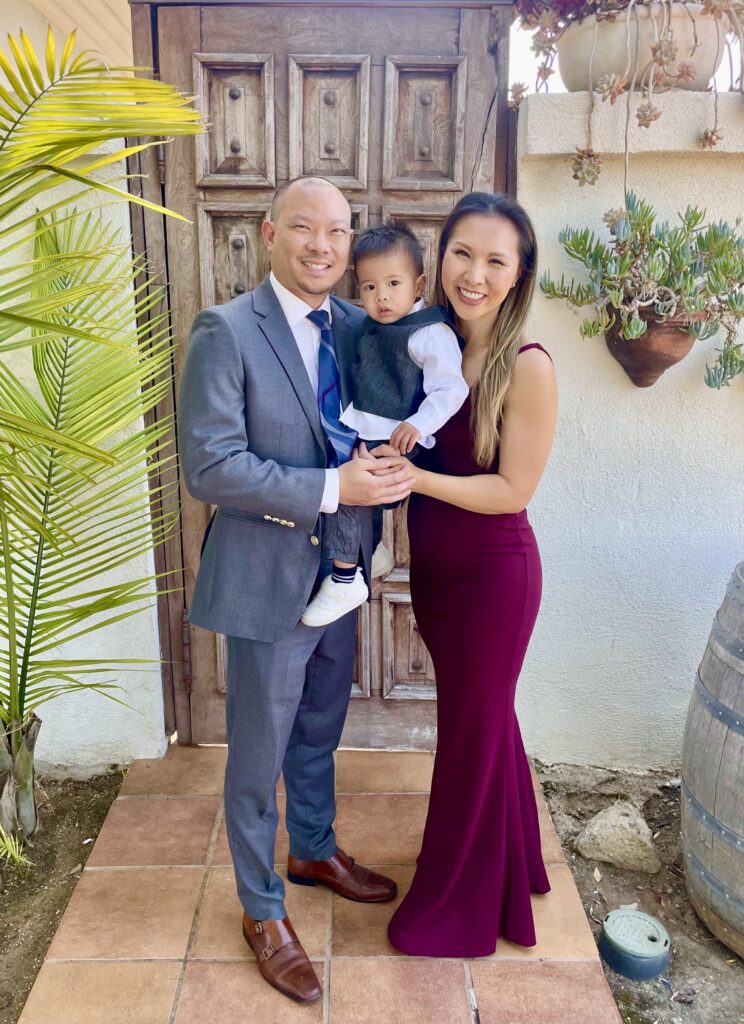
2. Using Portrait Mode for Family Portraits with iPhone
Portrait mode helps create a soft, blurred background that makes your family stand out.
For the best family portraits with iPhone, tap on your subject’s face to focus, then gently adjust the exposure using the sun icon.
After you take the photo, you can adjust the depth to make sure everyone stays in focus. This is especially helpful for families with more than one child.
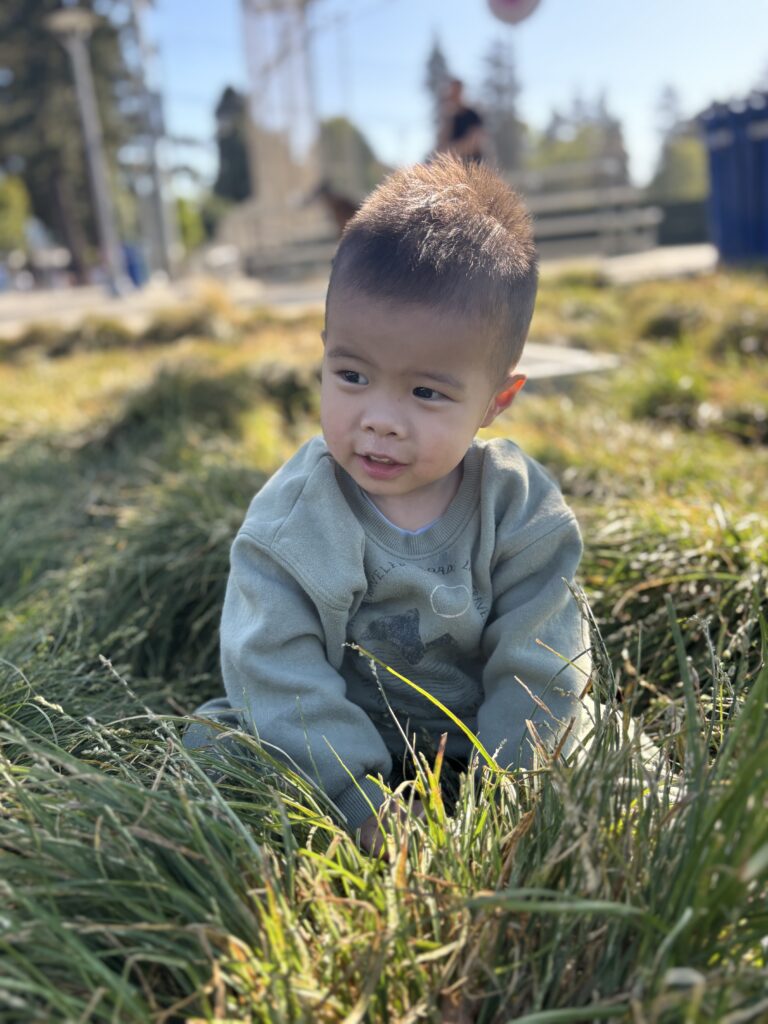
3. Simple Backgrounds for Family Portraits with iPhone
A calm background lets your connection shine.
Look for neutral walls, greenery, or open space without clutter. When the background is simple, your family naturally becomes the focus.
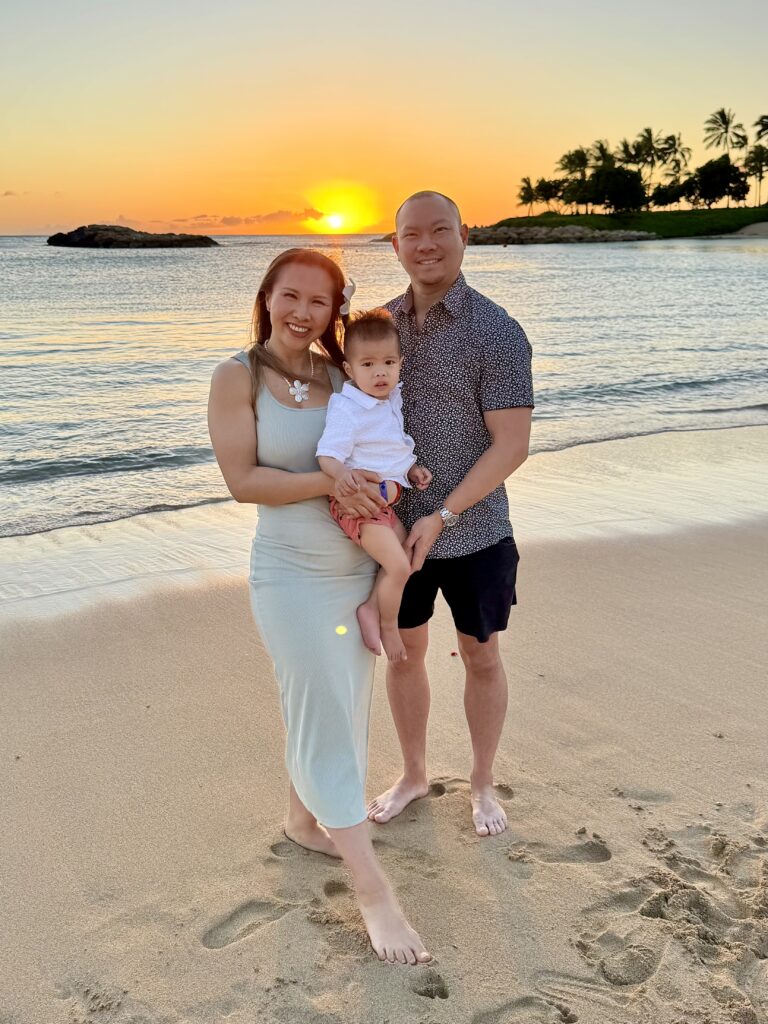
4. Eye-Level Angles for Family Portraits with iPhone
This is one of the fastest ways to improve your photos.
If your kids are sitting or playing, come down to their level. Kneel or sit so you are meeting them eye to eye.
This creates family portraits with iPhone that feel more connected and less posed.
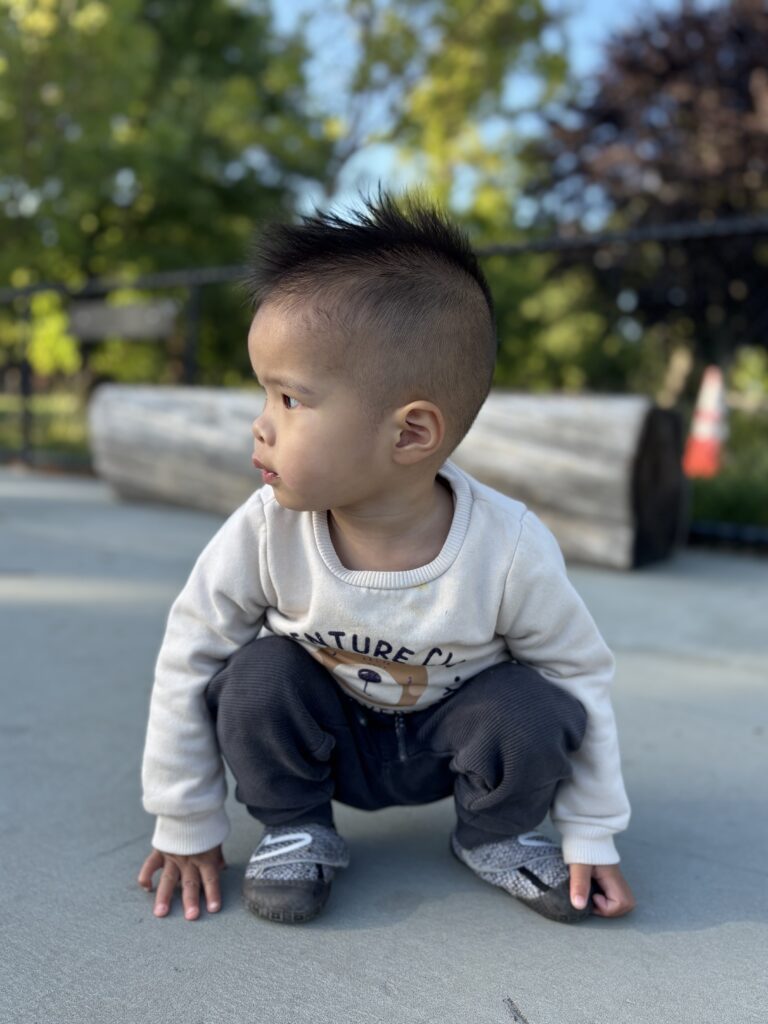
5. Create Connection and Ease
The secret to natural photos is not posing. It is connection.
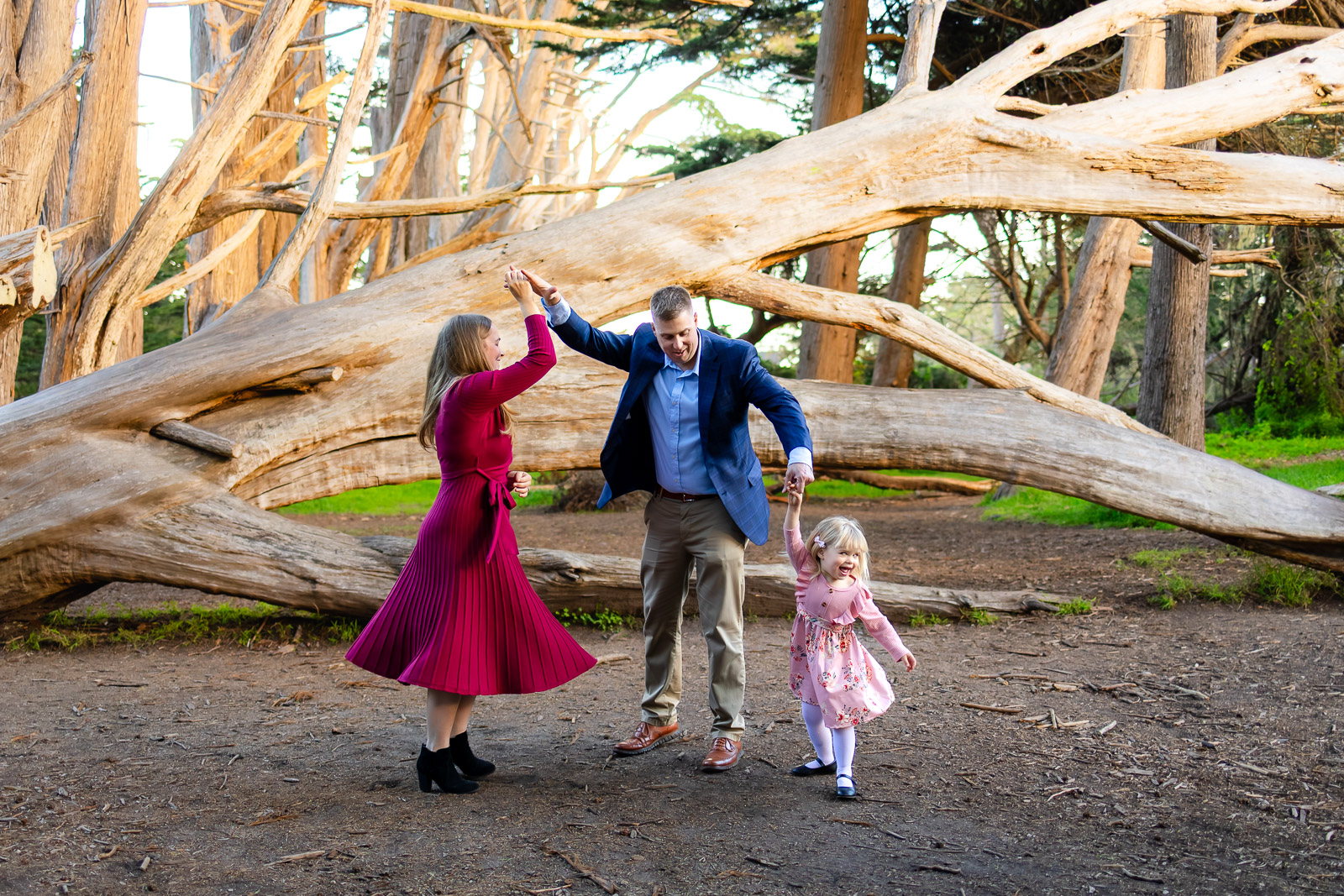
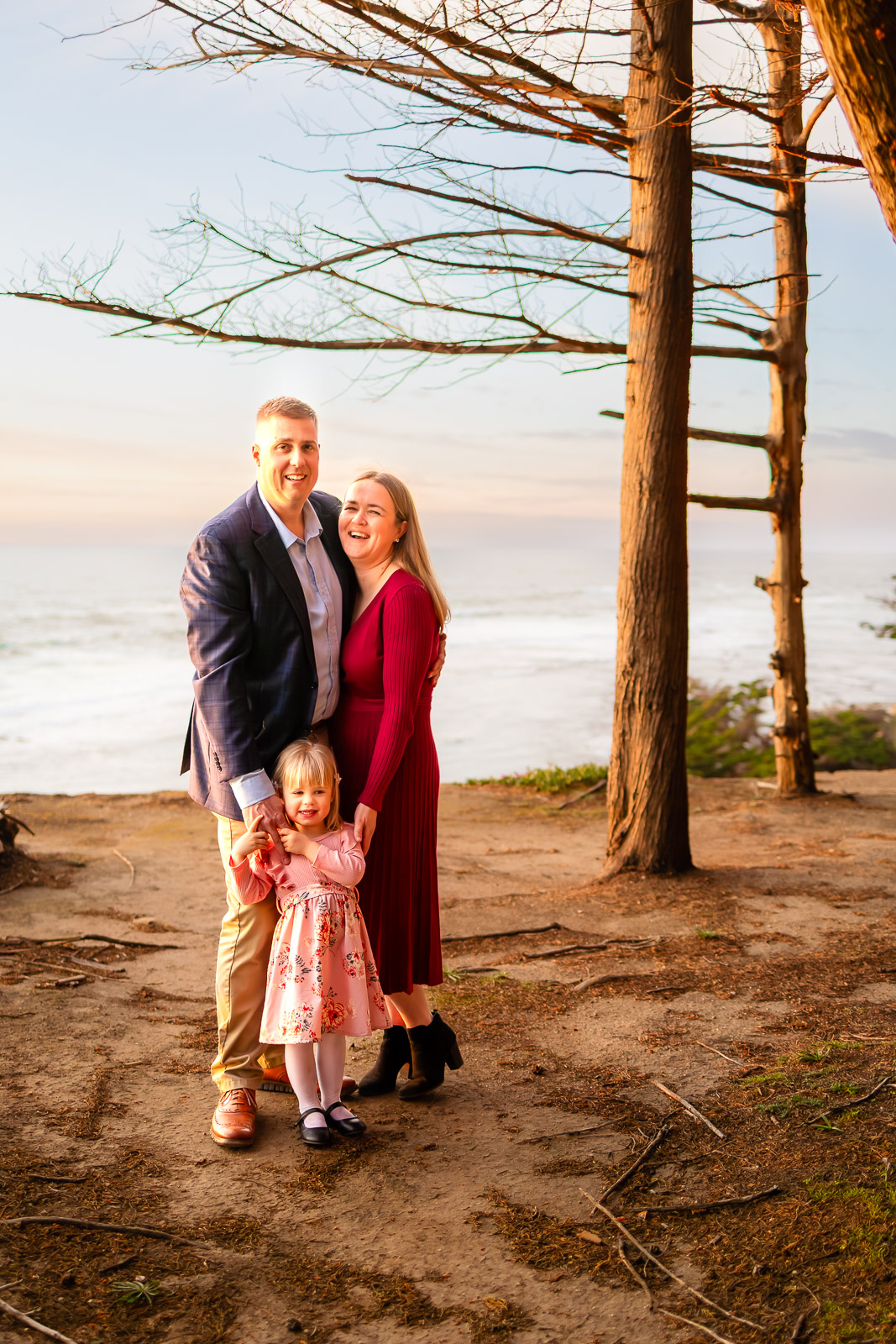
Close the gaps between your family members. Snuggle in, hold hands, lean close. When there is no space between you, the photo instantly feels warmer.
If the technical side ever feels overwhelming, my approach is always to simplify. You can read more about Family Photoshoot Tips.
You Deserve to Be in the Frame
Most parents have thousands of photos of their kids and very few with themselves in them.
Use your iPhone timer. Prop your phone up. Step into the frame. It does not have to be perfect. It just has to include you.
And for the seasons that feel especially fleeting, there is something really meaningful about being fully present while someone else captures it for you.
From newborn days to yearly family portraits, a guided session allows you to step out of the role of photographer and simply be with your family. When you’re ready, you can explore what a portrait session investment looks like.
If you’d like to see more moments like these, you can explore my family portfolio.
Bonus Tip: Clean Your Lens
It sounds simple, but it matters.
A quick wipe removes haze and instantly makes your images sharper and clearer.
Frequently Asked Questions
How can I make my family portraits with iPhone look professional?
Focus on light and depth. Use portrait mode and make sure your light source is in front of your family.
What is the best iPhone setting for family portraits?
Use portrait mode, tap to focus on faces, and adjust brightness using the sun icon before taking the photo.
How do I photograph toddlers with an iPhone?
Skip asking them to look at the camera. Let them play and capture natural interaction instead.
Can I print family portraits with iPhone?
Yes. iPhones can produce beautiful prints up to 8×10. For larger artwork, professional images provide more detail.
Why hire a photographer if I have an iPhone?
Your iPhone captures moments. A photographer captures connection, guides the experience, and ensures you are in the frame.
When You’re Ready to Be in the Frame
The photos you take today will only grow more meaningful with time.
Your children will change. Their routines will shift. The little moments you want to remember will quietly pass.
Do not worry about getting it perfect. Capture what feels like your family, with whatever camera you have.
And when you’re ready to step into the frame and have it all documented for you, I’m here. I photograph families, newborns, and maternity sessions across the San Francisco Peninsula and San Mateo County in a way that feels calm, easy, and true to you.
If you’re looking for a guided, stress-free experience from styling to gallery delivery, I’d love to help you plan a session that feels effortless and natural from start to finish.
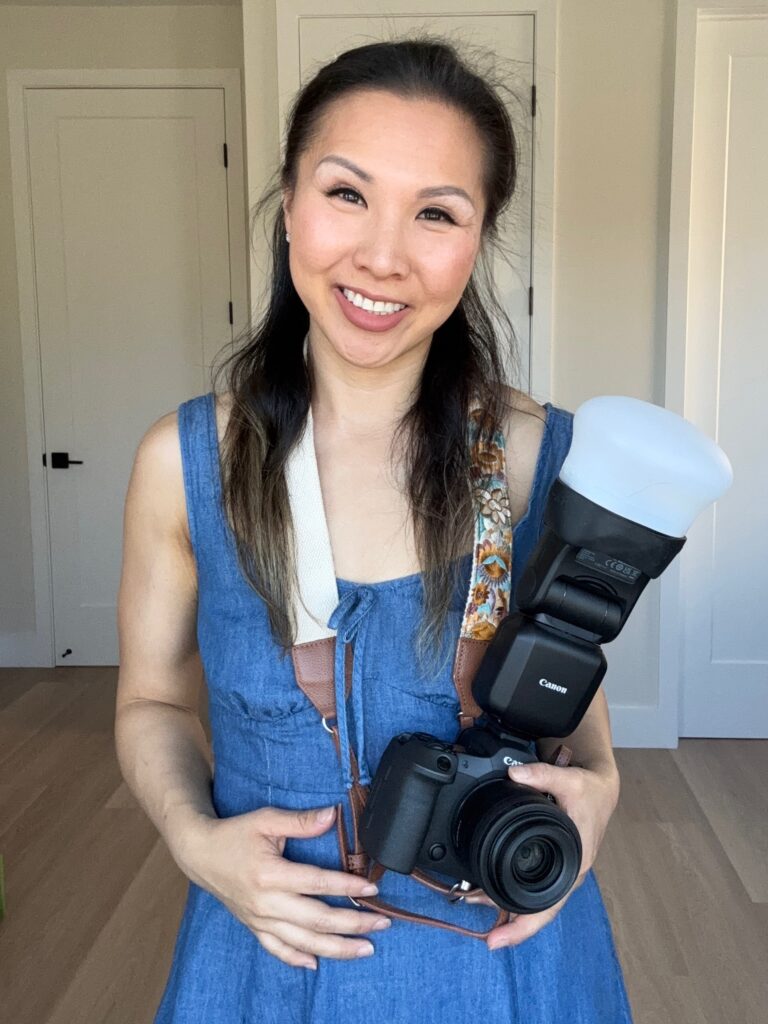
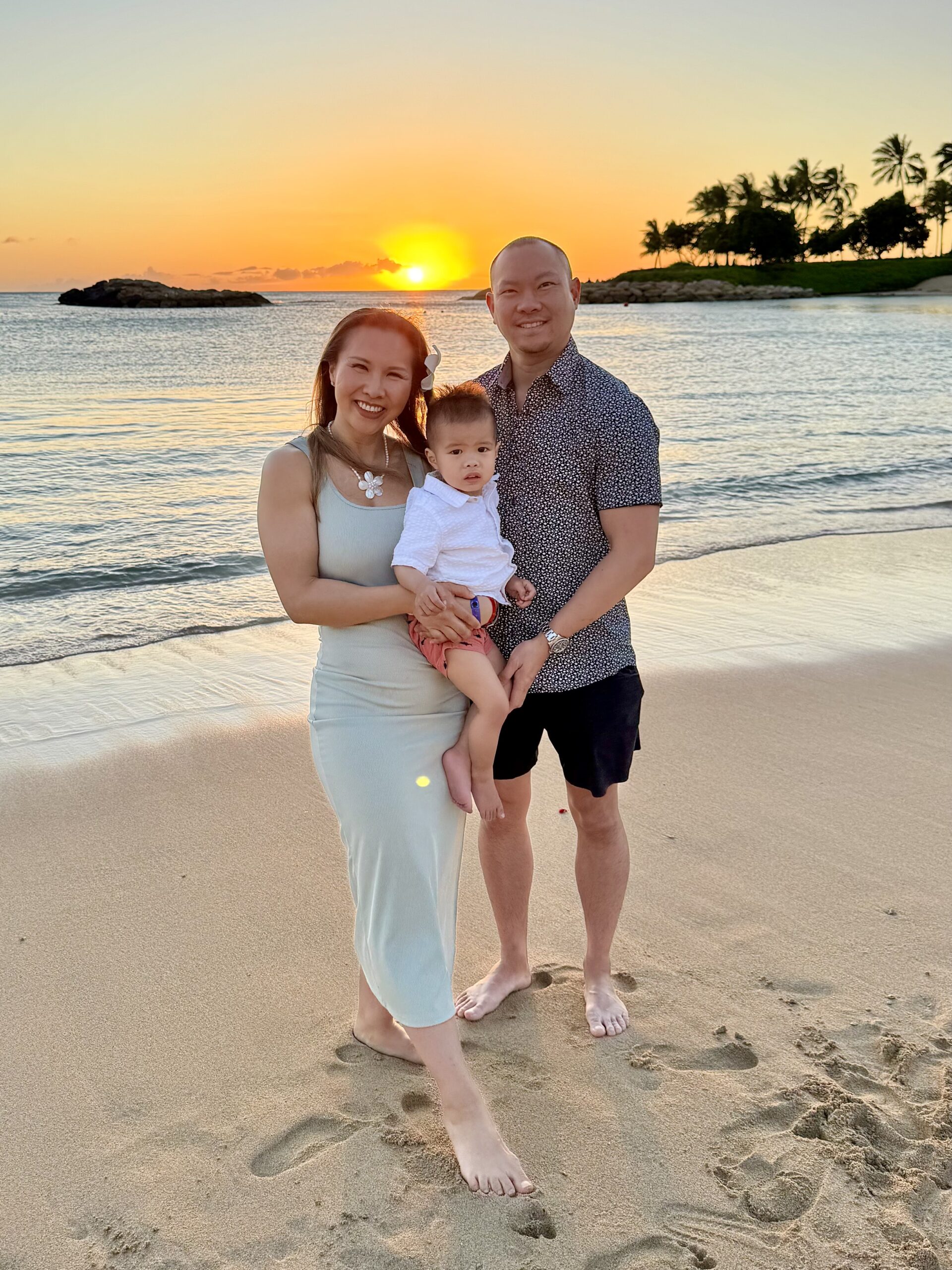
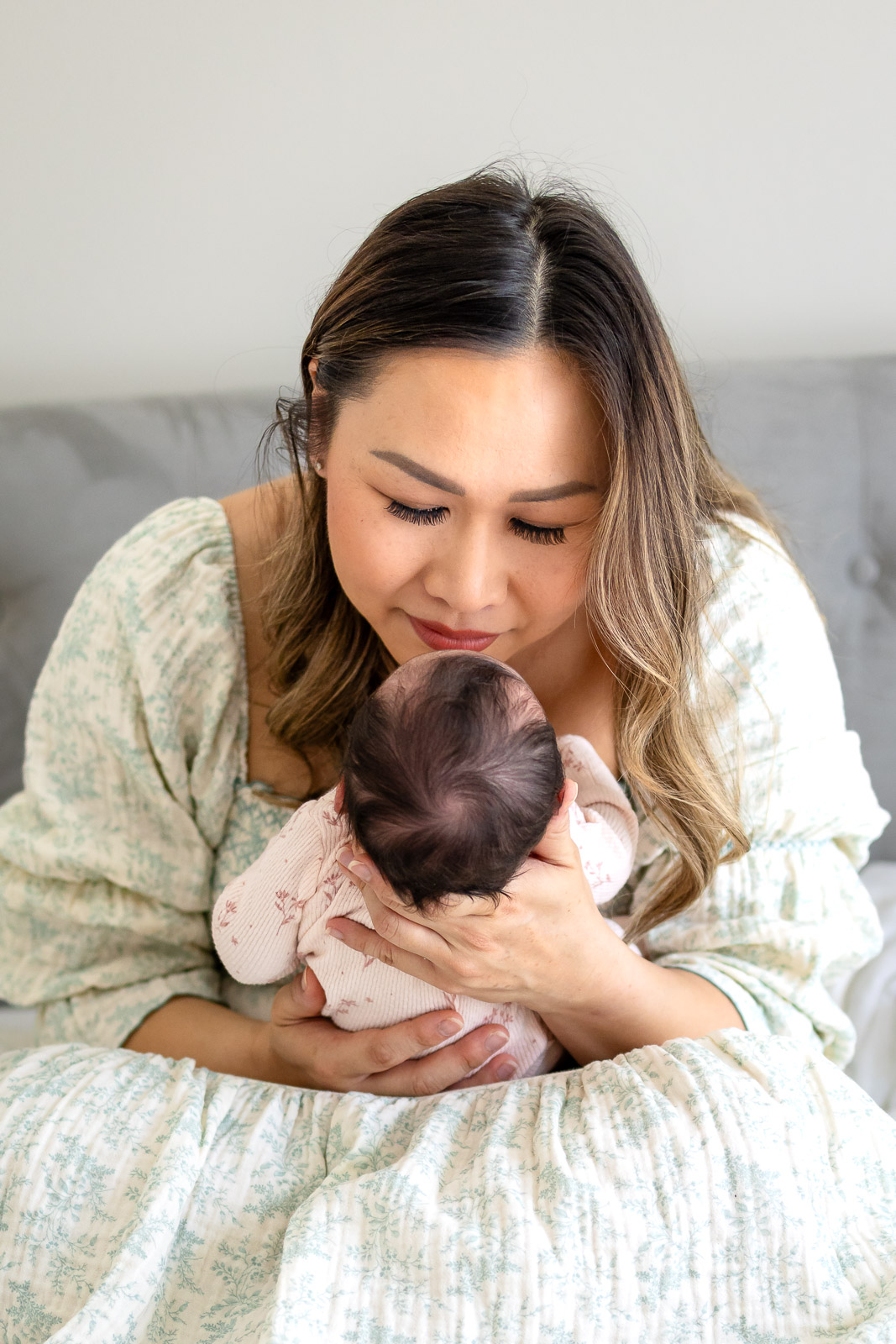
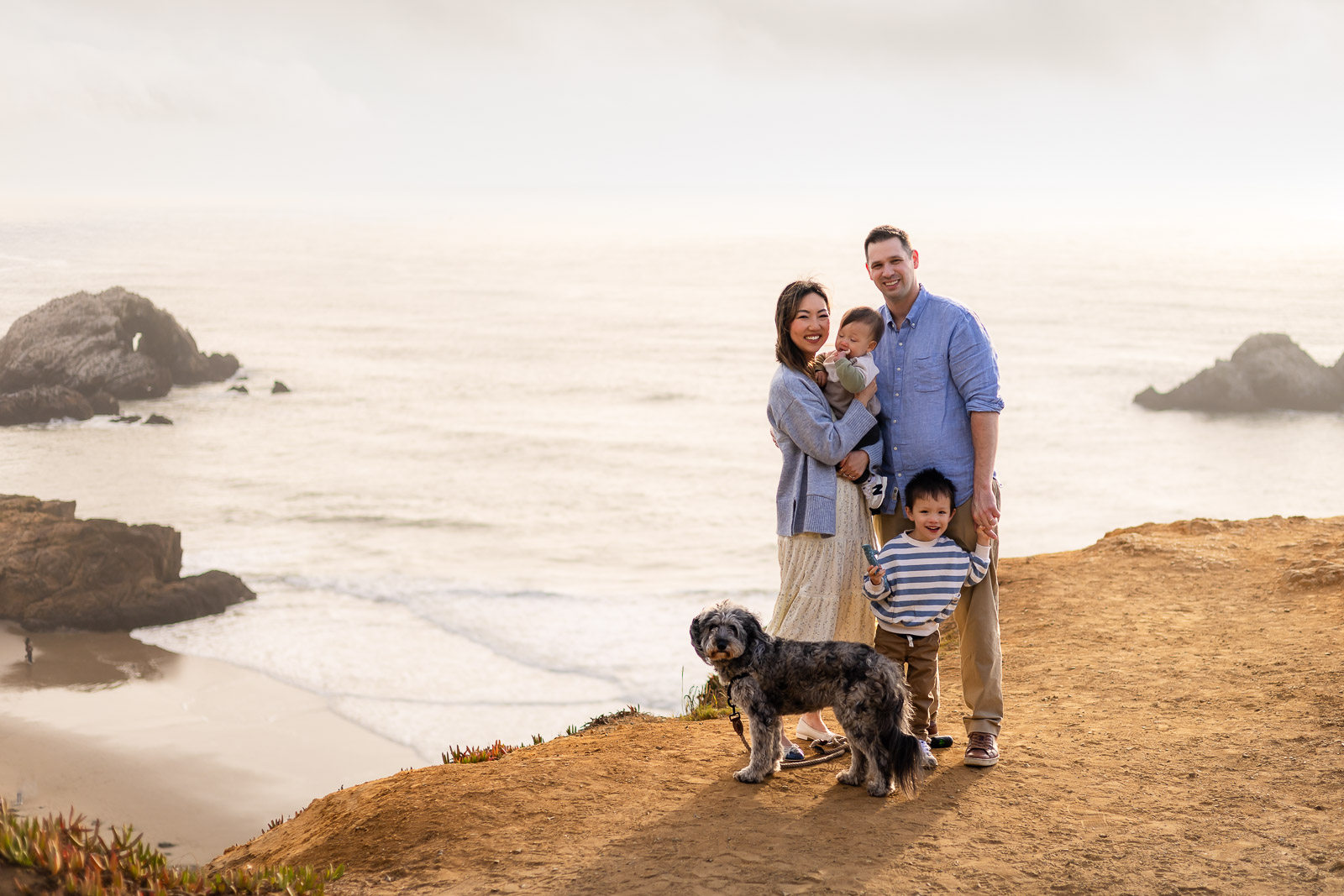


Welcome Friends, I'm Ellen
Photographer Serving the Bay Area Peninsula
I am a lifestyle and natural light photographer based in San Mateo County, serving families across the San Francisco Bay Area and Peninsula. I regularly photograph families in San Mateo, Burlingame, Palo Alto, Redwood City, and surrounding Peninsula communities.
I specialize in family, newborn, and maternity sessions that take place at home or outdoors, capturing genuine joy, connection, and beautifully candid moments.
Along with photography, I also offer cinematic highlight films to bring your family’s story to life in motion.
My sessions are fun, easy, and well guided. I use simple prompts and natural posing so you can relax, enjoy being together, and let me document the love and energy that make your family unique.
Photographer. Fitness lover. Wife. MOm. world traveler.
follow along @ellobelle.photography
+ Show / Hide Comments
Share to: